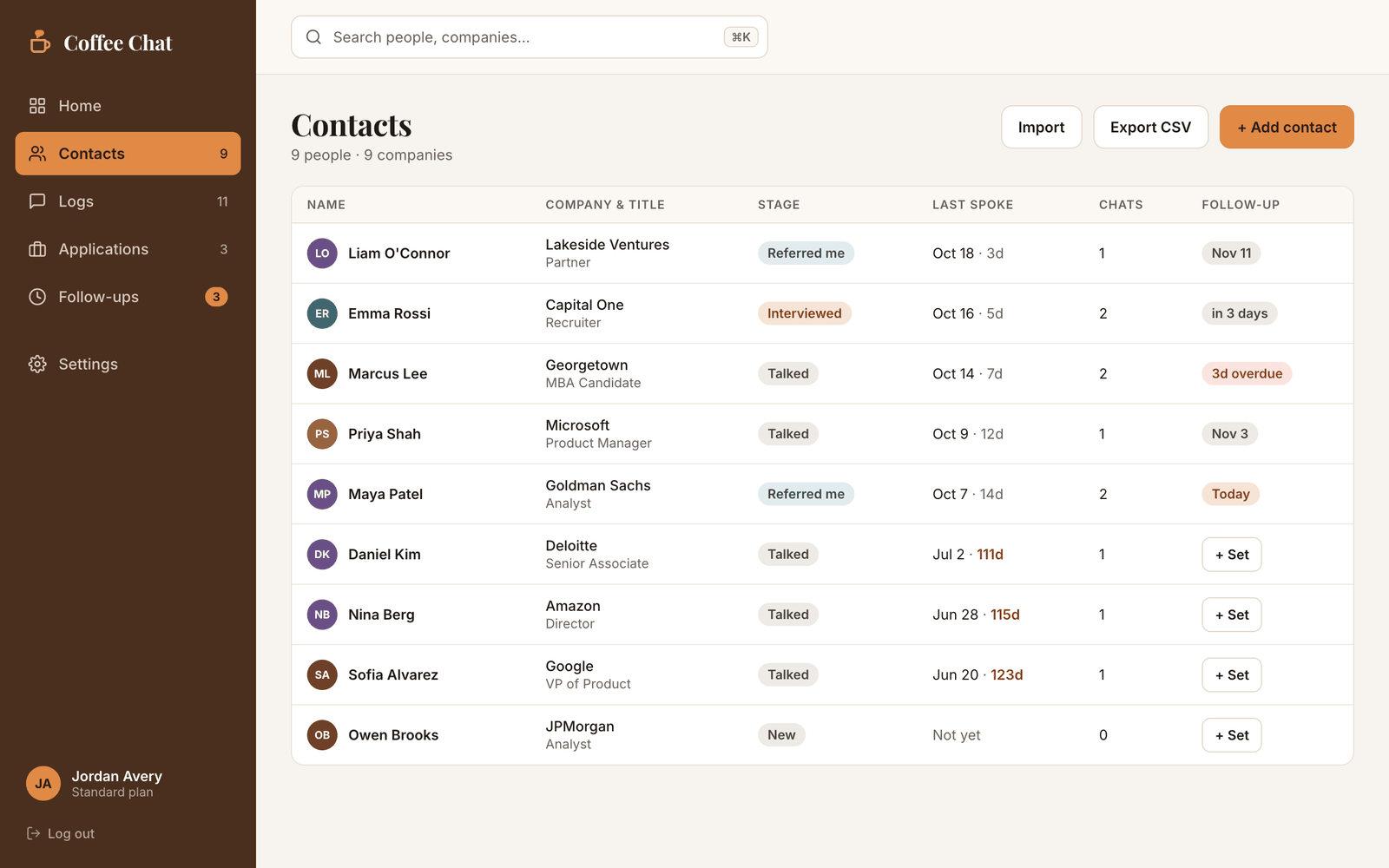
Coffee Chat tracks everyone you meet, what you talked about, and when to follow up, so no connection ever goes cold.
Sign up with Google or email. If a coach or counselor gave you a group code, you can join their group when you sign up.

Track everyone you meet, log your coffee chats, and never miss a follow-up. If a coach or counselor gave you a group code, you can join their group when you sign up.
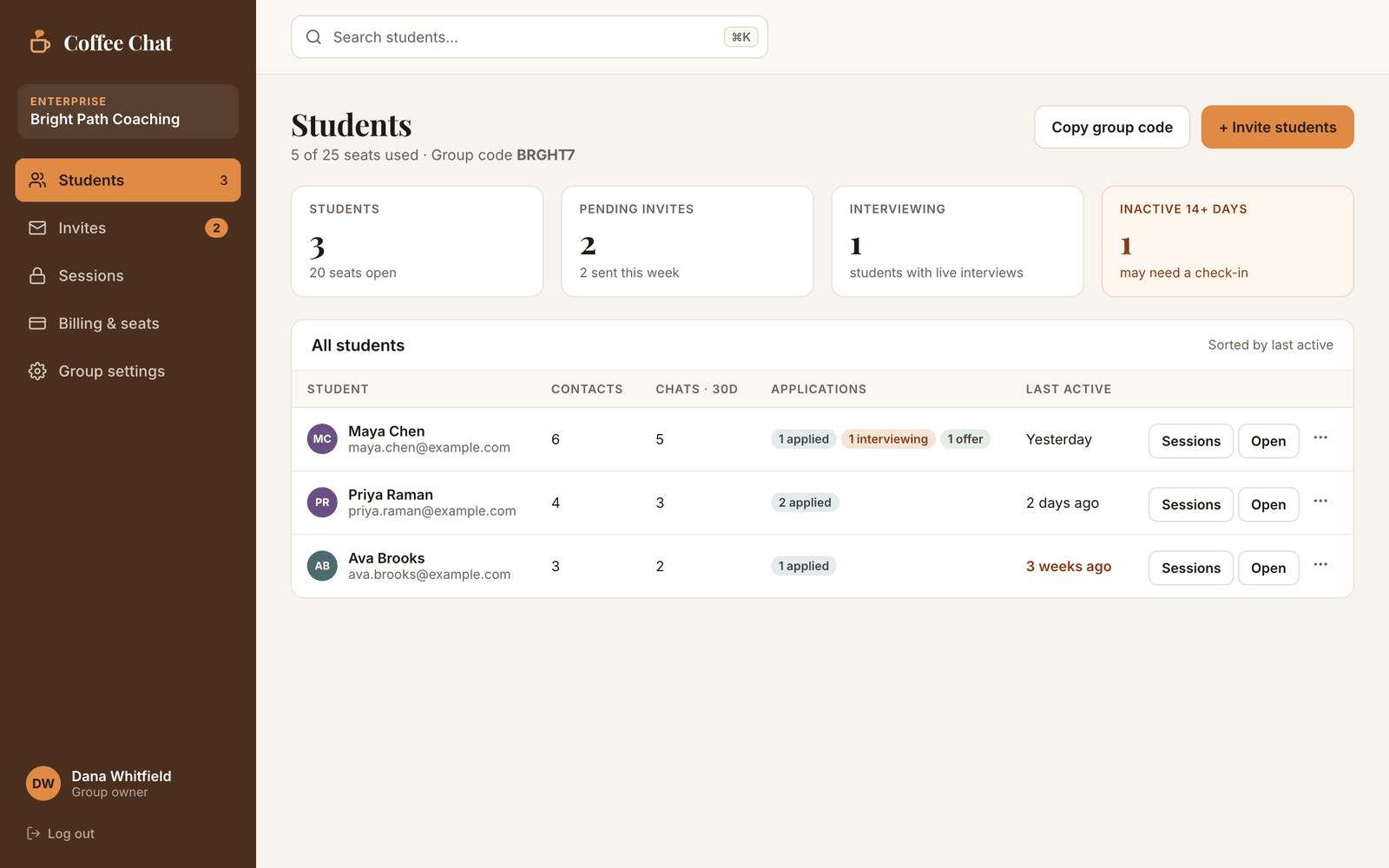
For coaches, counselors, and career offices. Create a group and share one join code with everyone you work with. Students agree to what you can see when they join, and their settings stay private to them.
Nothing is charged while Coffee Chat is in its free launch. Prices show what each plan will cost later, and you'll hear from us well before anything changes.
For one person building their own network. In a coach's group? Your coach's plan covers you.
One plan for you and every student you work with. Students never pay.
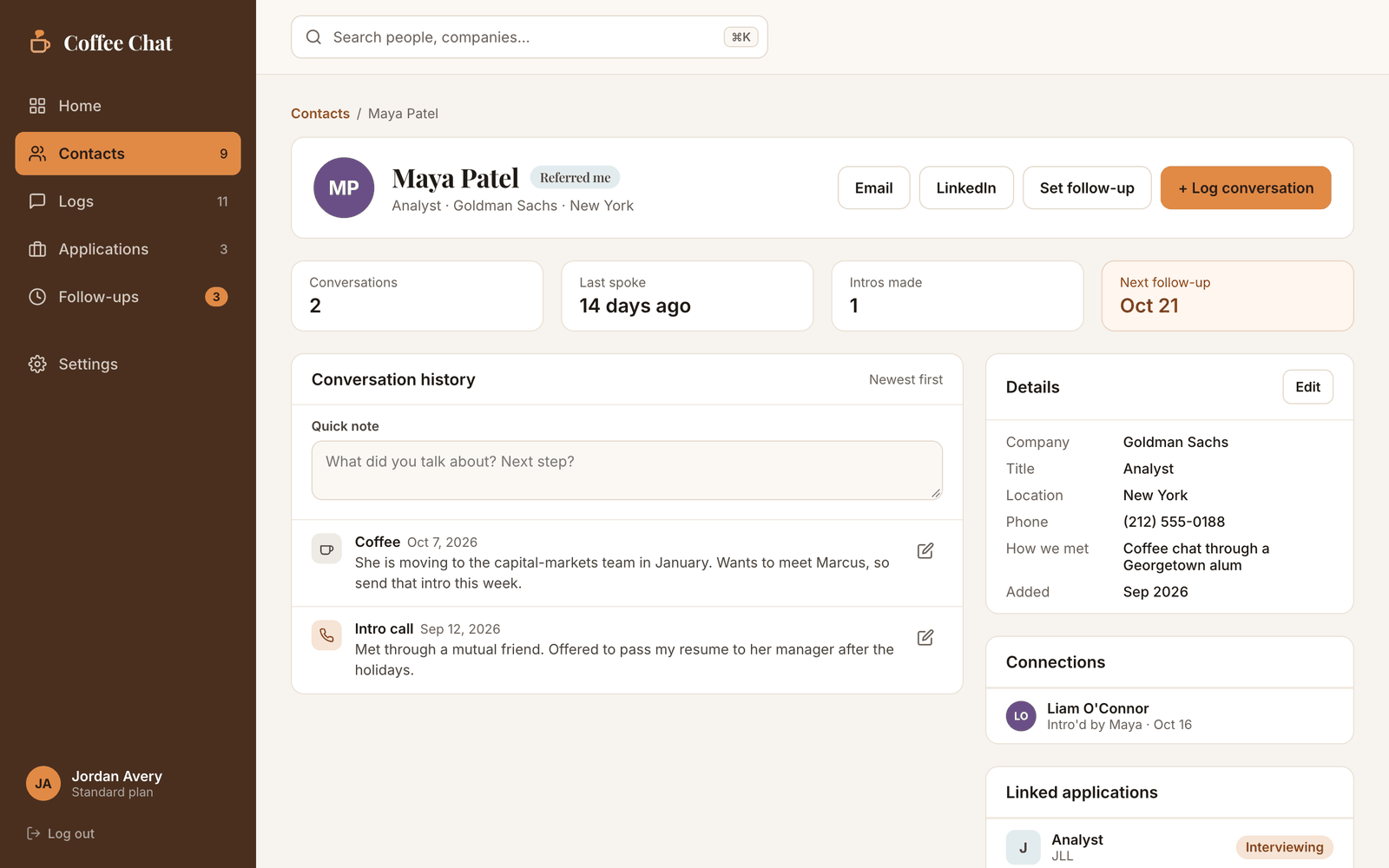
Every contact gets a living profile: who they are, where they work, how you met, and when you're due to reconnect.

Log what you talked about while it's fresh. Next time you meet, the whole history is one click away.

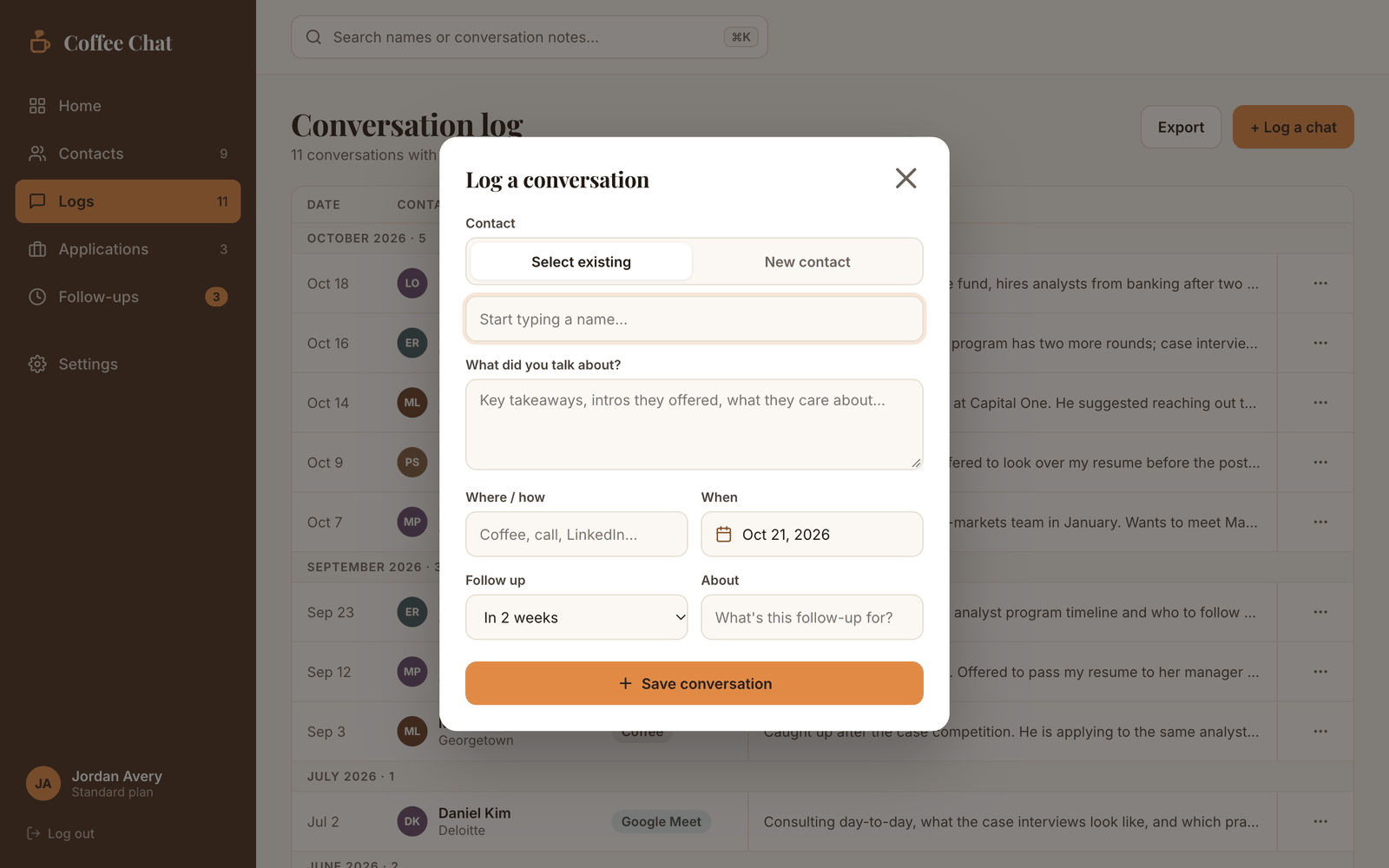
Pick an existing contact or add someone new on the spot, note where you talked and what you learned, and set the follow-up while it's fresh.

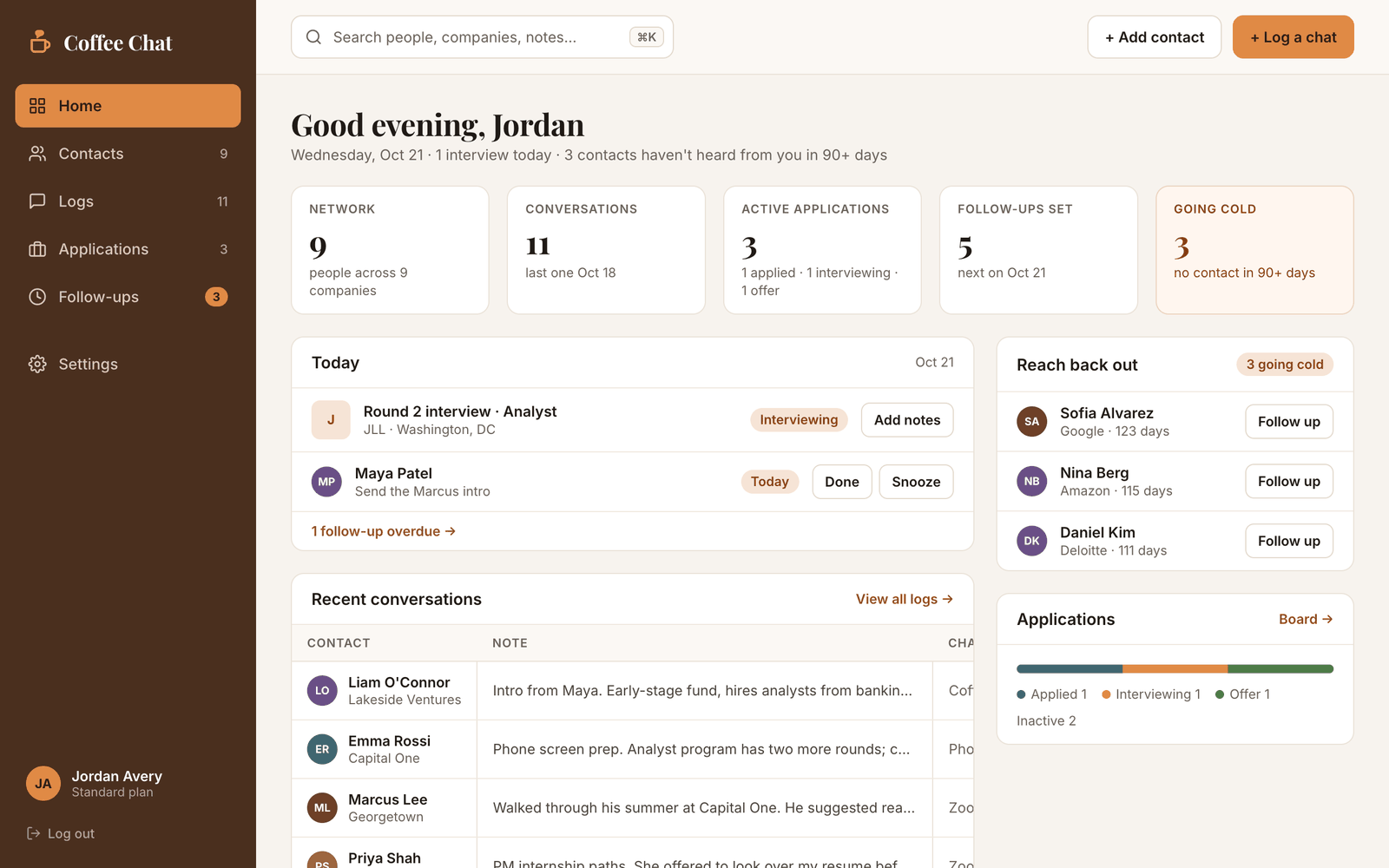
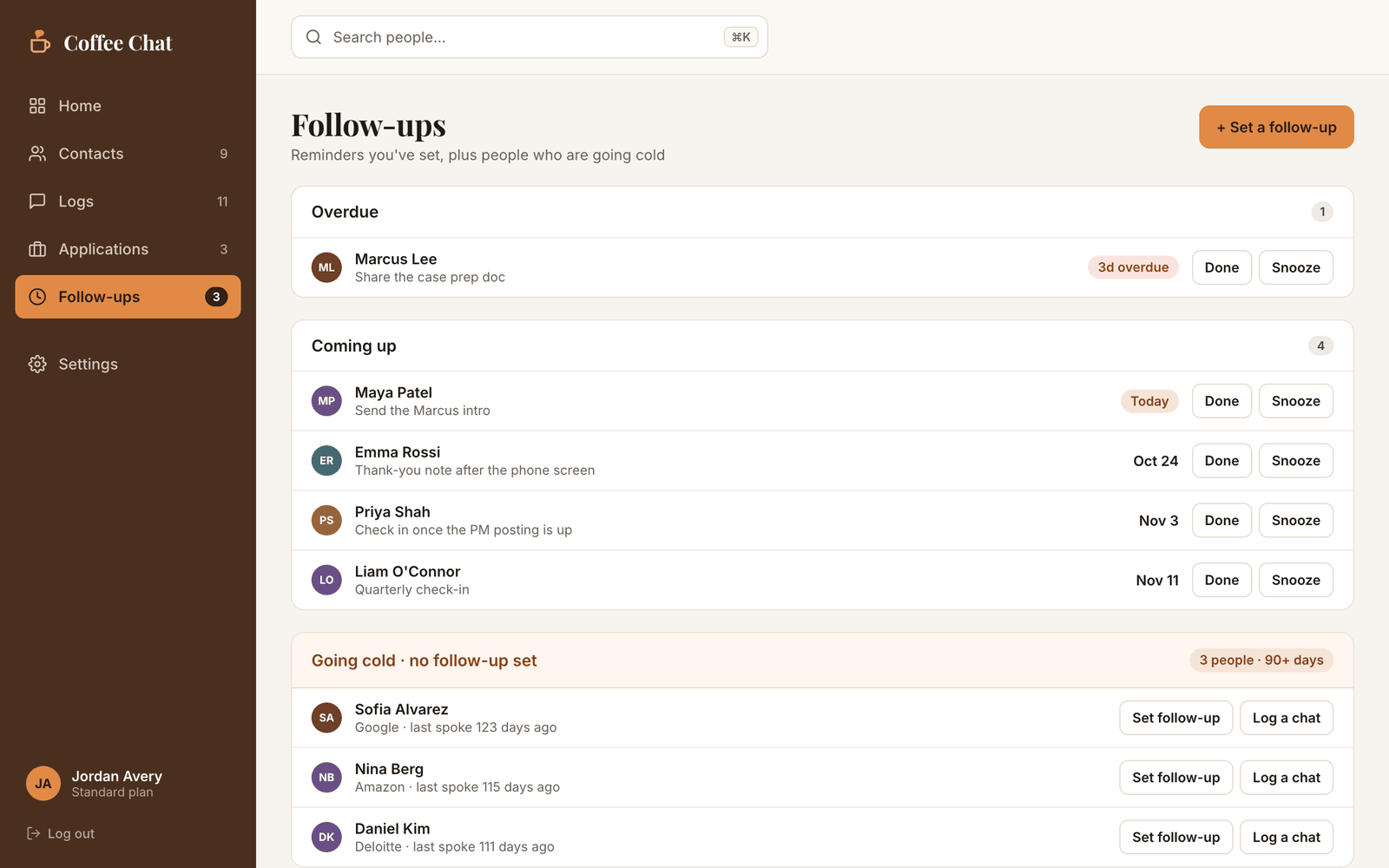
One page shows who's overdue, who's coming up, and who's going cold. Coffee Chat also emails you when a follow-up is due: one calm daily digest, only on days someone is actually waiting.

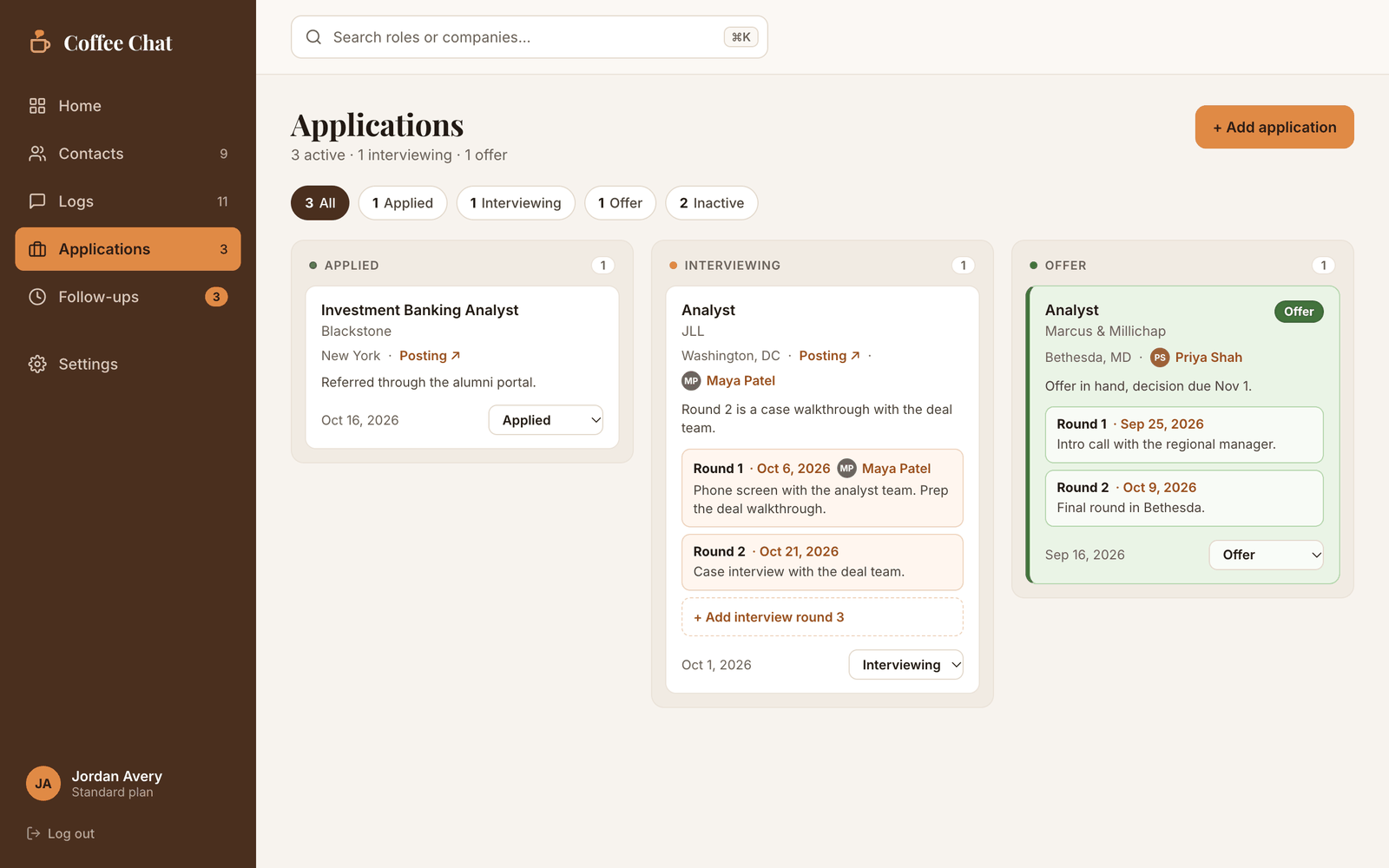
Track every application on a simple board, from Applied to Interviewing to Offer, with the people who can help attached to each card.

Met someone interesting? Add the person and what you talked about, in one go.
Pick when you want to reconnect: two weeks, a month, or a date that matters.
Your dashboard and inbox remind you when it's time, with the full history ready to go.
Create a group and share one join code, or invite students by email. Everyone who joins shows up on your Students page, and you can open any student's account and see it the way they do.

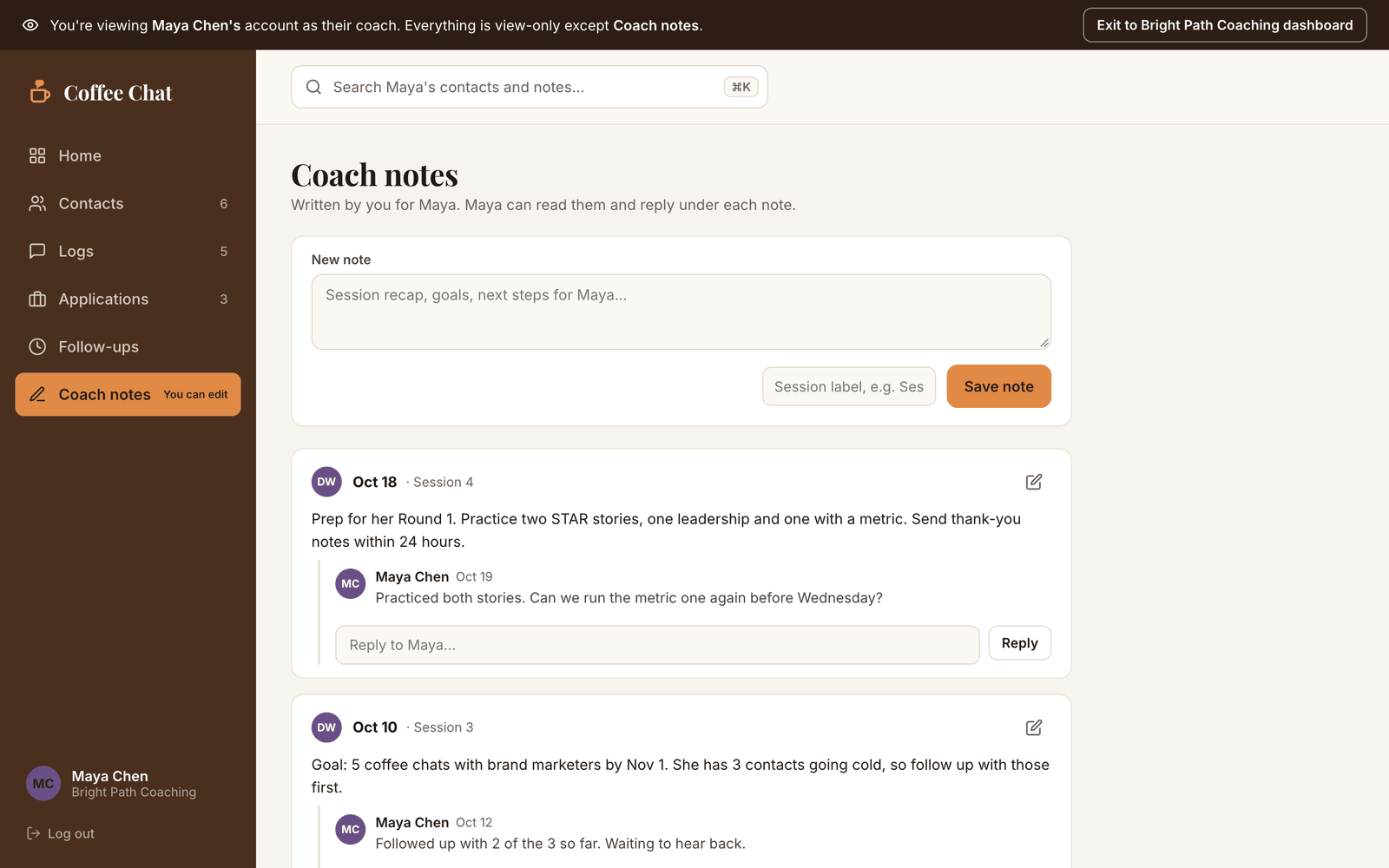
Write next steps right inside a student's account. They answer under your note, and new replies are flagged next to their name on your Students page.

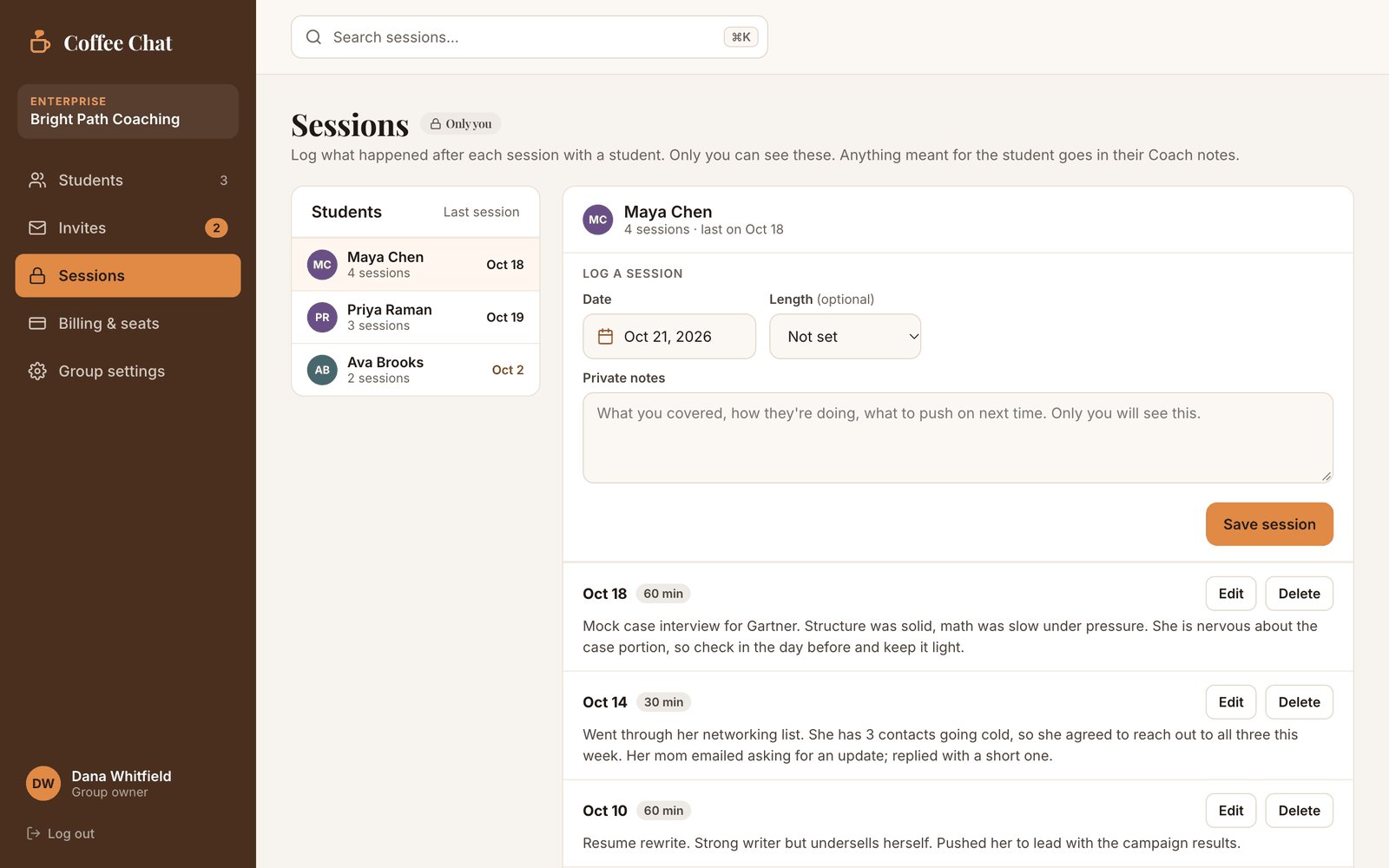
After each session, log the date, length, and your notes. It's your record of how each student is doing, and they never see it.

Your contacts and notes are private to you, enforced at the data layer, not just in the interface. If you join a coach's group, you see exactly what they can and can't see before you join. Export or delete everything from your account page, anytime.
Yes. Every account is free during launch, with no credit card. After launch, Standard is $5/month and coach plans start at ***/month. You'll hear from us well before anything changes.
Yes. Your contacts and notes are yours alone, and that restriction is enforced at the data layer, not just in the interface. If you join a coach's group, your coach can view your contacts, conversations, applications, and follow-ups, and can only write in Coach notes unless you turn on edit access yourself. Your settings, password, and billing stay private.
You keep everything: contacts, conversations, applications, and follow-ups. Your account goes back to a Standard account, and you choose whether to keep a copy of your coach's notes.
Yes. Import a CSV from any spreadsheet, or a vCard exported straight from Apple Contacts. Coffee Chat maps the columns for you and skips duplicates.
Yes. The Applications board tracks every job you apply to, from Applied to Interviewing to Offer, with each interview round, its notes, and the job description on the card. Link a contact from your network to any application, and if you're not recruiting right now, you can hide the whole board from your account page.
LinkedIn shows who you're connected to; a spreadsheet goes stale the week you make it. Coffee Chat is built around the follow-up: it remembers what you talked about and tells you when to reach back out, so relationships actually compound.